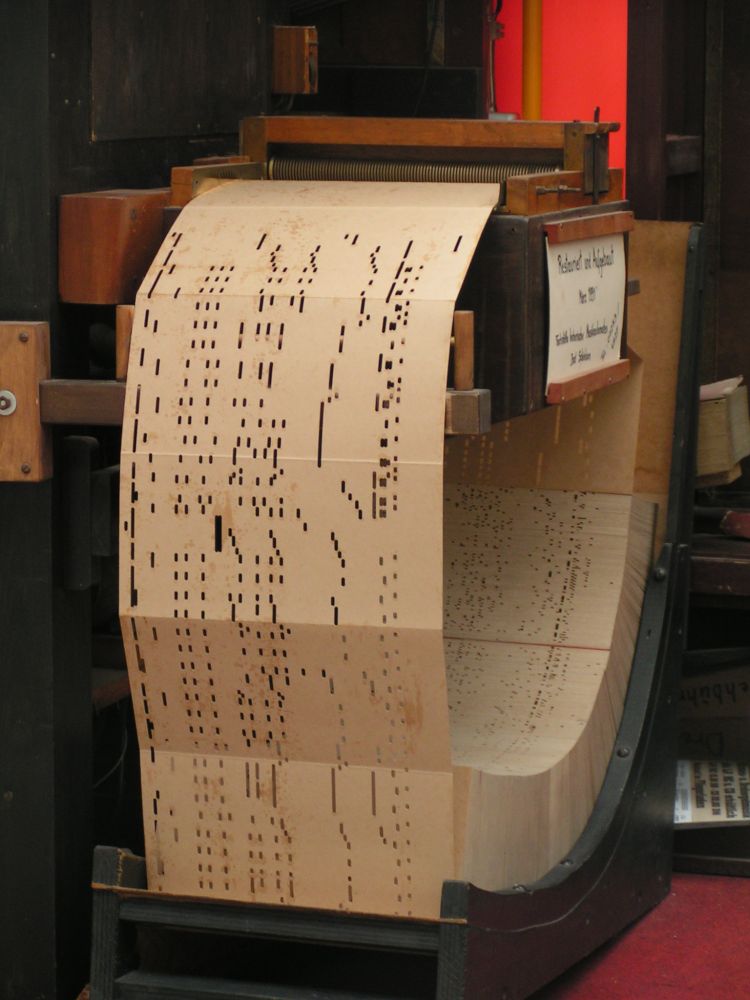
Alesha's computer has been failing for some now. By "failing" I mean that her computer cannot walk and chew bubble gum at the same time. This would be just fine if we just wanted to fire up our microcomputer and insert the stack of punch cards and wait for the numbers to crunch. Alas, this is not the case.
I haven't thought about building a computer in over three years, and I haven't actually done it for five. But with Alesha's new job (hurray!), and tax refund time (turns out we have not gotten a severe audit (yet)), and the increasing severity of stuttering my wife's computer seems to display any time iTunes is opened, we decided it was time. Since Alesha's brother was looking to replace his temporary model that expired several months ago, we decided to make it a twofer. Since I ordered the components at slightly different times, we ended up with two slightly different models. Here's what Alesha ended up with:
- Case: Antec Sonata III. My own computer is the first generation model of this very case. The rolled steel is incredibly sturdy. I have sat on, thrown things, and generally abused this case over the years, and it has nary a dent. (Heh, "nary".) It is also incredibly quiet; I can't hear my system running right now. This one comes with 500 watts of power, so it should be able to handle the power requirements of anything we throw in there.
- Motherboard: Gigabyte GA-EP45T-UD3P. Features include a 1333 MHz front-speed bus, four DDR3(!) memory slots, six internal SATA connections, two external(!) SATA connections, and ten USB connections. Now you'll probably never use an external SATA drive, but she'll have one just in case.
- Memory: Corsair XMS3. DDR3, also 1333 MHz. I decided not to fool around with memory this time, and we're filling every slot with a one-GB stick. That's right, four gigabytes of RAM, the most Windows XP and Vista can handle.
- Processor: Intel Duo E8400. Dual core, 3.0 GHz. Fast, fast, fast. And doesn't suck down memory. Apparently this can be overclocked to 4.0 GHz, but fortunately we aren't hosting any Quake tournaments anytime soon. Do the kids these days still play quake? Wow, I feel so old...
- Hard drive: Seagate Barracuda 7200.10. I remember when I was in 10th grade, and a kid was talking about how he heard about some company that was about to off a one GIGAbyte hard drive. That's over 1000 megabytes! What would you do with all that space? Yet we now purchased a 250 GB hard drive. 250GB! That's 1/4 of a terabyte! Please remind me of this post in fifteen years when we're discussing petabyte hard drives...
- Video card: MSI GeForce 8400. What's so special about this card? Absolutely nothing, except for the price. You can't beat a basic, reliable card for $33.
- DVD: LG GH22. The one I purchased five years ago was 1/4 as fast and three times the cost. These things are cheaper than toasters nowadays.
If you guessed $700, give yourself a no-prize. With a slightly different configuration, her brother is getting one for about $600. I'm tempted to start congratulating myself, but I still have to put the pieces together. I hope that all of the little details have been accounted for and that there aren't any last-minute compatibility issues that crop up.

2 comments:
Curious as to what OS you decided to put on it (XP or Vista)?
I got a computer a couple months ago with Vista. I have most things working now, but still experience a few compatibility issues with my scanner/printer and the software used to remotely connect to work (arg..) so our old PC is still around for that. I've heard that Vista licensing allows one to legally 'downgrade' to XP without cost if they have the disks, but I don't.
Definitely XP. I don't have anything against Vista personally, but what I've heard and the very brief experiences I've had with it aren't positive. I know exactly what I'm getting with XP, and Microsoft is still supporting it. I have higher hopes for Windows 7.
Post a Comment